Self-serve data from the warehouse, in plain language
The first real target list Claude built straight from our data warehouse came out 96% the same as the one my colleague usually builds by hand. Nobody had to write any SQL, and Claude now documents what it learns, so the next list should come out even closer.
The problem
Marketing, sales, customer success and leadership all need data out of our B2B data warehouse on a regular basis, things like target lists, KPIs and segments. Building them takes SQL and knowing the data, so most requests went to one colleague, one at a time, and there are always more of them than one person can handle. The warehouse also holds personal data that has to stay inside the EU, so pointing a standard hosted AI at it wasn’t an option.
What I did
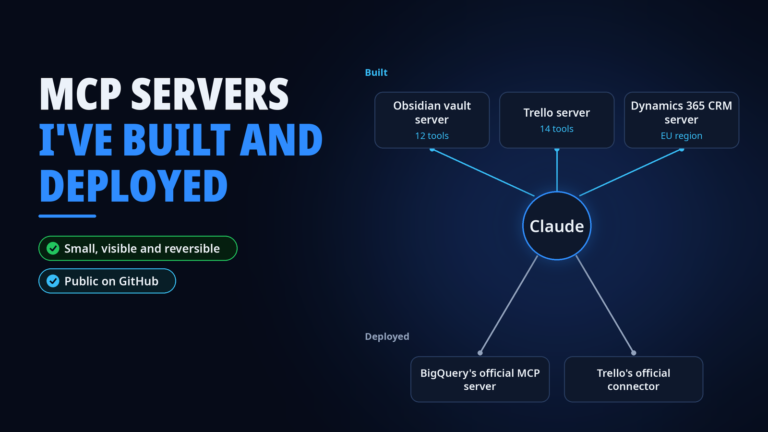
To be precise about this one, I didn’t build the query server. It’s Google’s official BigQuery MCP server. I selected it, set it up against our warehouse, and built everything around it that turns a connector into something a non-technical colleague can actually use.
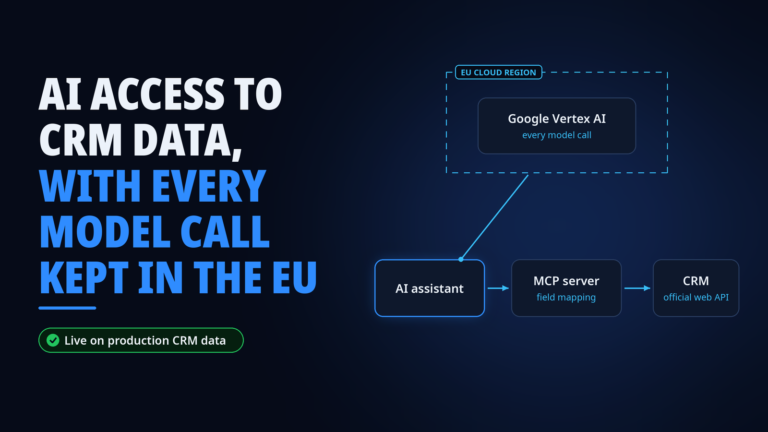
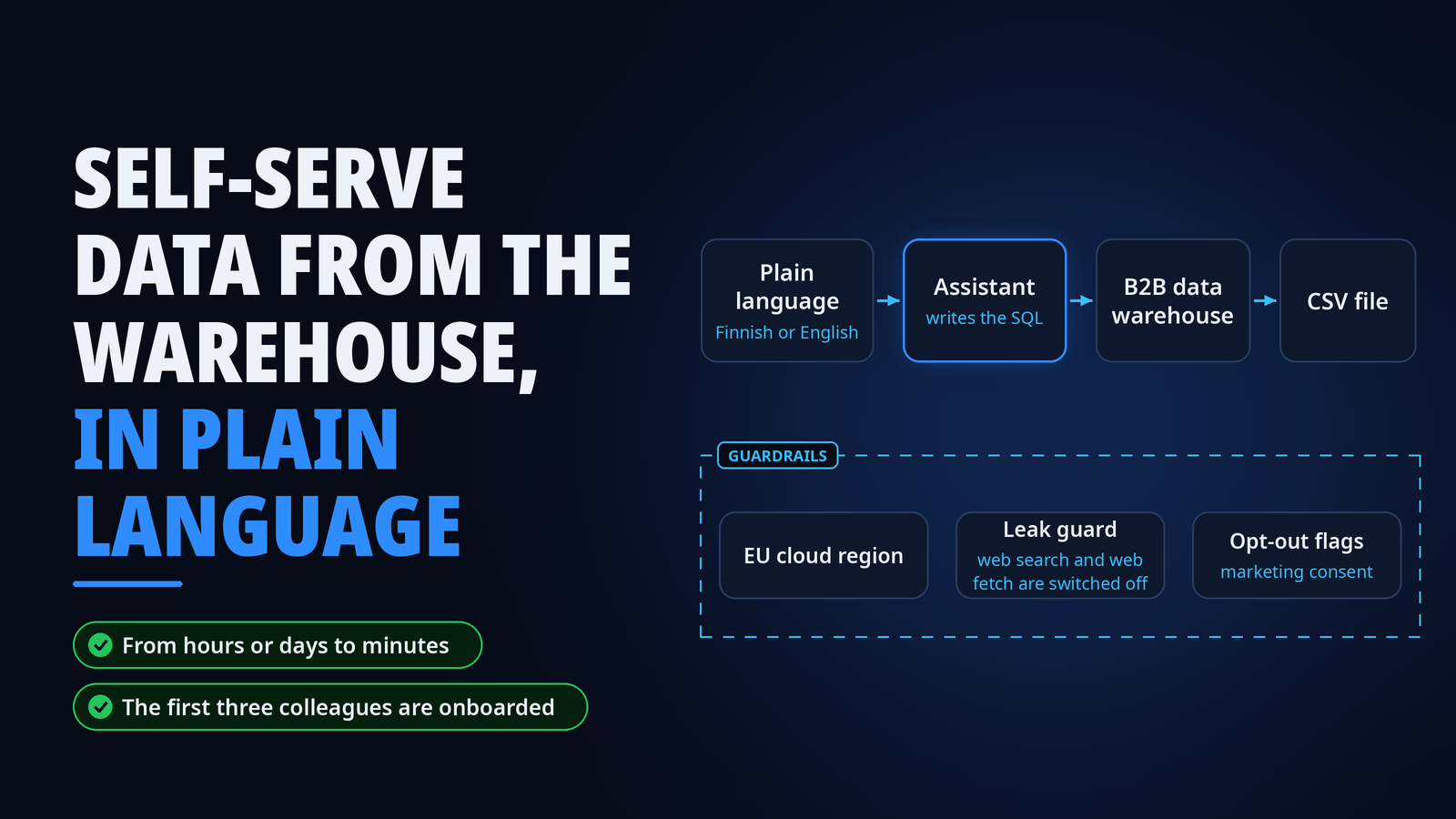
That starts with safety. Every model call goes through an EU cloud region, and this is where I first proved that pattern before reusing it for the CRM connector. Access is read-only, so nobody can break anything in the warehouse.
Web search and web fetch are switched off as a leak guard, so warehouse data can’t leave through a web call. Every target-list query filters out people who have opted out or haven’t given marketing consent, every time, so a list pull can’t accidentally include them.
Then comes the part that makes it usable. You describe the list or metric you want in plain language, in Finnish or English, say decision-makers in a certain role and company size, and Claude writes the SQL, runs it and hands back a CSV file. There’s a library of reusable query templates, documentation on what’s in the warehouse, and setup guides in both languages, packaged as a repository colleagues can install from. For cases where another system needs to trigger a query instead of a person, I also built a webhook-to-file automation on our integration platform, which is paused for now.
The piece I like most is the learning loop. After a real target group selection, we ask Claude to write documentation for itself about the data and how the selection should be done, as markdown files that future sessions can use. Each real list should make the next one faster and more accurate.
What happened
The first real target list came out 96% the same as the one my colleague builds by hand. That’s one list so far, and we’re getting there one real list at a time. The goal is that anyone who needs a target group selection can do it this way, and my colleague gets to focus on the harder requests instead of every routine list. Three colleagues use it today, in the terminal for now.
The next step found us on its own. One of the users and I had just decided to bring it into Claude Desktop, and about an hour later leadership asked if we could do exactly that. They’d seen a CRM report built as a Claude artifact and wondered whether warehouse data could give them faster reports and views the same way. So the Desktop setup is next, and after that we’ll test which reports and views work best as artifacts.
What I learned
The connector is the easy part. The guardrails, templates and guides around it decide whether people can use it safely, and the documentation Claude writes for itself decides how good it gets over time.
Once AI can reach a warehouse with read-only access, anyone can go looking for answers in it, not just the people who know SQL. That leaves one real requirement, keeping the data in top shape so nobody gets a wrong answer. I also learned to be precise with words. Deploying someone else’s server well is real work, and “deployed” is the right word for it.
Stack
- Google BigQuery
- BigQuery’s official MCP server
- Claude
- Google Vertex AI in an EU region
- Make.com for the paused webhook path