AI access to CRM data, with every model call kept in the EU
A sales report that used to be a fully manual job now takes about eight minutes. This is the longer version of how that happened, including the parts that had nothing to do with AI.
The problem
I work in revenue operations, and our sales, marketing and business leads live in the CRM. Getting anything out of it beyond the standard views meant exports, spreadsheets and somebody’s afternoon. An AI assistant that could simply answer questions about the data was the obvious fix, with one catch. Personal data in our CRM has to stay inside the EU, and the assistant’s standard hosting didn’t offer EU data residency. So the real question was never whether AI could help, it was whether it could help without the data leaving the EU, and the EU route was part of the design before anything touched production data.
What I built
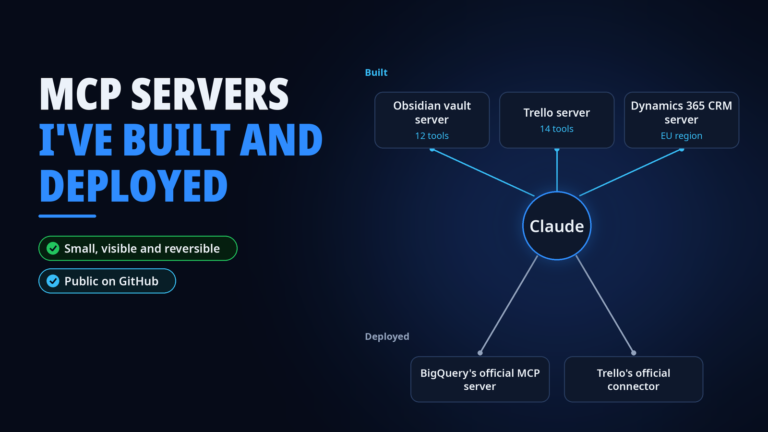
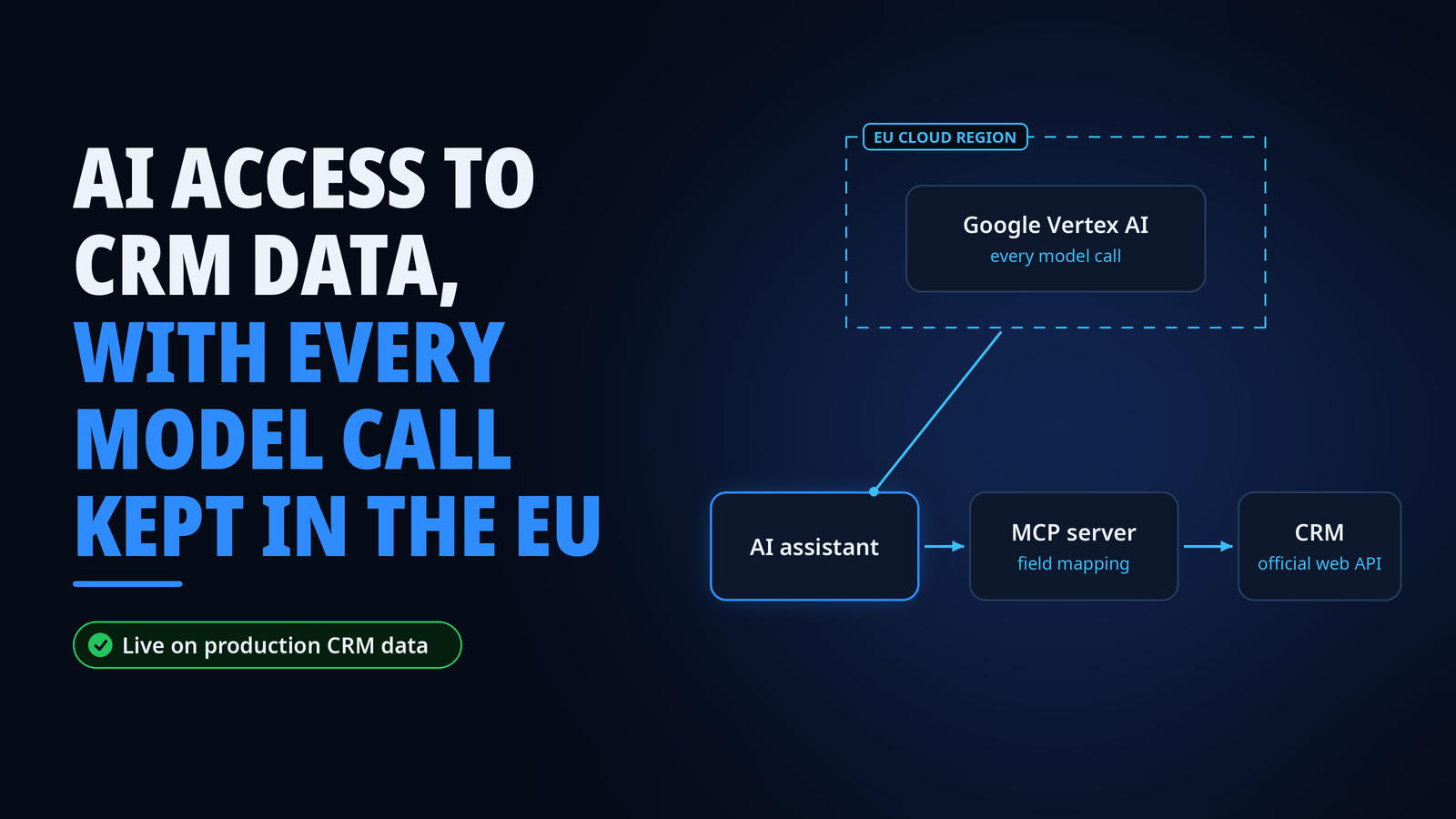
I built a custom integration server, an MCP server, that connects an AI assistant directly to the CRM through its official web API. It covers what people actually need day to day, which is searching and creating records, flexible queries on any entity, spreadsheet export and searching notes.
The hard part wasn’t the AI, it was the field mapping. Every CRM install speaks its own dialect (ours has opinions), and the names people see on screen don’t match the names in the schema. I mapped them once against live data and built the mapping into the server, so queries work with the names people actually use. Any AI system that talks to the server gets that mapping for free, not just one assistant.
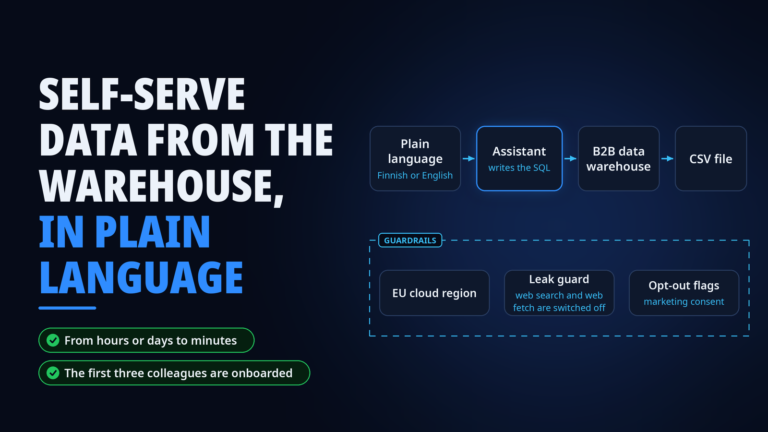
The second part was data residency. An EU-region model route on Google Vertex AI had already been set up and approved internally. I proved the pattern of running an AI assistant through that route end to end, first against our data warehouse (that story has its own page) and then against the CRM, so every model call stays inside an EU cloud region.
For the hosted rollout I teamed up with an AI engineer colleague, who did the cloud hosting and the sign-in flow. Thanks to that, a non-technical user gets a settings file and signs in with their normal company account, with no developer tools on their laptop.
A note on how I build. Claude Code writes the code. I design the tools, decide what the server may and may not do, test it against real data, ship it and own it in production.
What happened
It’s live on production CRM data with the first users on it. One of them, without being asked, rebuilt a sales-performance report that used to be a fully manual process, in about eight minutes. The EU routing pattern has since become our template for AI access to regulated data, so the next connectors start from a solved problem instead of an open question.
What I learned
The AI is the small part. Field mapping, permissions and compliance are where projects like this are won or lost, and they’re also the parts nobody puts in the demo. I’d also prove the pattern small again. Getting one assistant through the EU route against one data source first made everything after it a lot less dramatic.
Stack
- Microsoft Dynamics 365 Web API (OData)
- Python and FastMCP, written with Claude Code
- Claude
- Google Vertex AI in an EU region
- Google Cloud Run and OAuth for the hosted rollout (built by an AI engineer colleague)